Qclaw Tencent's AI intelligent assistant remotely controls computers through WeChat for efficient office work- ChooseAI Tools
Qclaw
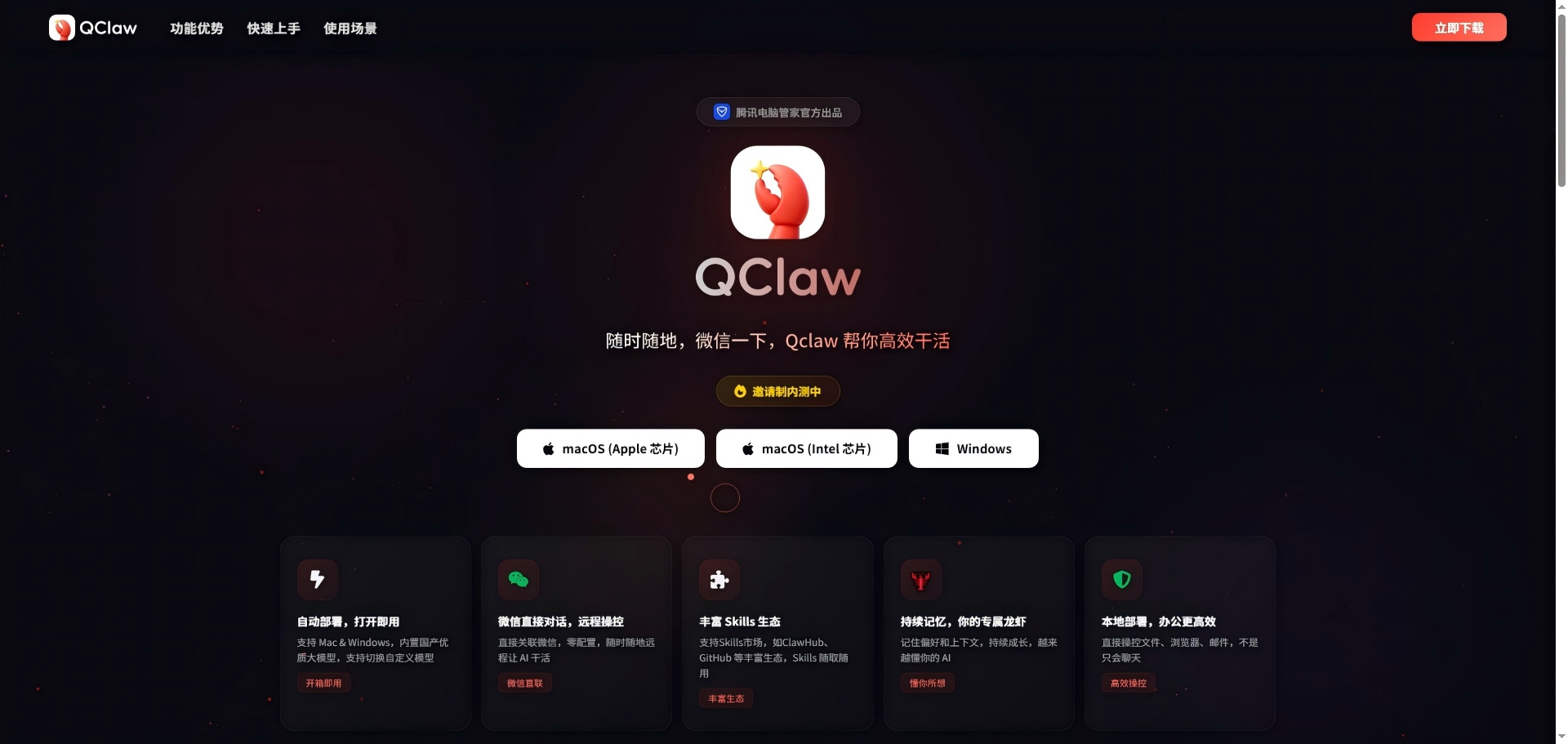
Qclaw is an AI intelligent assistant launched by Tencent Computer Manager, which can remotely control the computer to work efficiently through WeChat.
AI Agent Platform
WeChat Integration
Local Deployment
AI Security Configuration
Workflow Automation
File Collation
Web Scraping
Multi-Agent Cooperation
Qclaw is an AI assistant tool officially produced by Tencent Computer Manager. It is designed to improve personal and office efficiency. It supports Mac and Windows systems, enabling one-click automatic deployment, out-of-the-box, without complex environment configuration. Users only need to download and install the code to bind WeChat or QQ, and they can directly talk through the chat window, so that AI can remotely control the local computer to complete diversified tasks such as file sorting, browser operation, mail processing, weather reminder, GitHub project development, academic paper induction, etc. Qclaw has built-in high-quality domestic models (such as Kimi), supports switching custom models, and accesses ClawHub, GitHub and other rich Skills ecosystems, providing thousands of plug-in extension capabilities. It has a persistent memory function, which can remember user preferences and context, and gradually grows into a highly personalized personal assistant. All core operations are done locally, making data more secure and private. At present, it is in the stage of invitation system internal test, focusing on the concept of "anytime, anywhere, WeChat, Qclaw helps you work efficiently", which greatly reduces the threshold for ordinary users to use AI Agent and seamlessly integrates powerful intelligent body capabilities into daily instant messaging scenarios.
Preview
Introduction
functional characteristics
Support text input commands, remote control of local computers to perform file operations, browser control, mail processing and other tasks
Built-in Kimi-2.5 and other domestic large models, support custom switching models, with continuous memory and context understanding capabilities
application scenarios
Remote office: operate the company computer through WeChat or QQ instructions, process files, send and receive emails
Content operation: automatic posting and comment interaction on platforms such as Little Red Book
Academic assistance: sorting documents, generating daily newspapers, extracting key information from web pages
suitable for the croud
Office workers, content creators, developers, and users with high data privacy requirements
type of pricing
At present, it is in the stage of invitation system internal test, and the core functions are free to use.
supported langauges
Mainly supports Chinese, compatible with English and other common languages
technical highlights
Based on OpenClaw framework, integrated Kimi, Minimax, GLM, DeepSeek and other multi-model hybrid routing
All operations are performed locally, data does not leave the device, security is better than pure cloud solution
usage mode
Support Windows and Mac systems. After downloading and installing, scan code and bind WeChat or QQ. You can remotely control it through chat window.
update history
March 2026: Officially open internal test, support WeChat/QQ dual-terminal command control, online file sorting, GitHub automatic development and other preset skills
Early 2026: Complete integration with Tencent Computer Manager 18.0, add AI security sandbox, strengthen local execution environment isolation